


Description
Download MP3 Music Player Free – Audio, Music Player, Android, Free, Utility
Overview
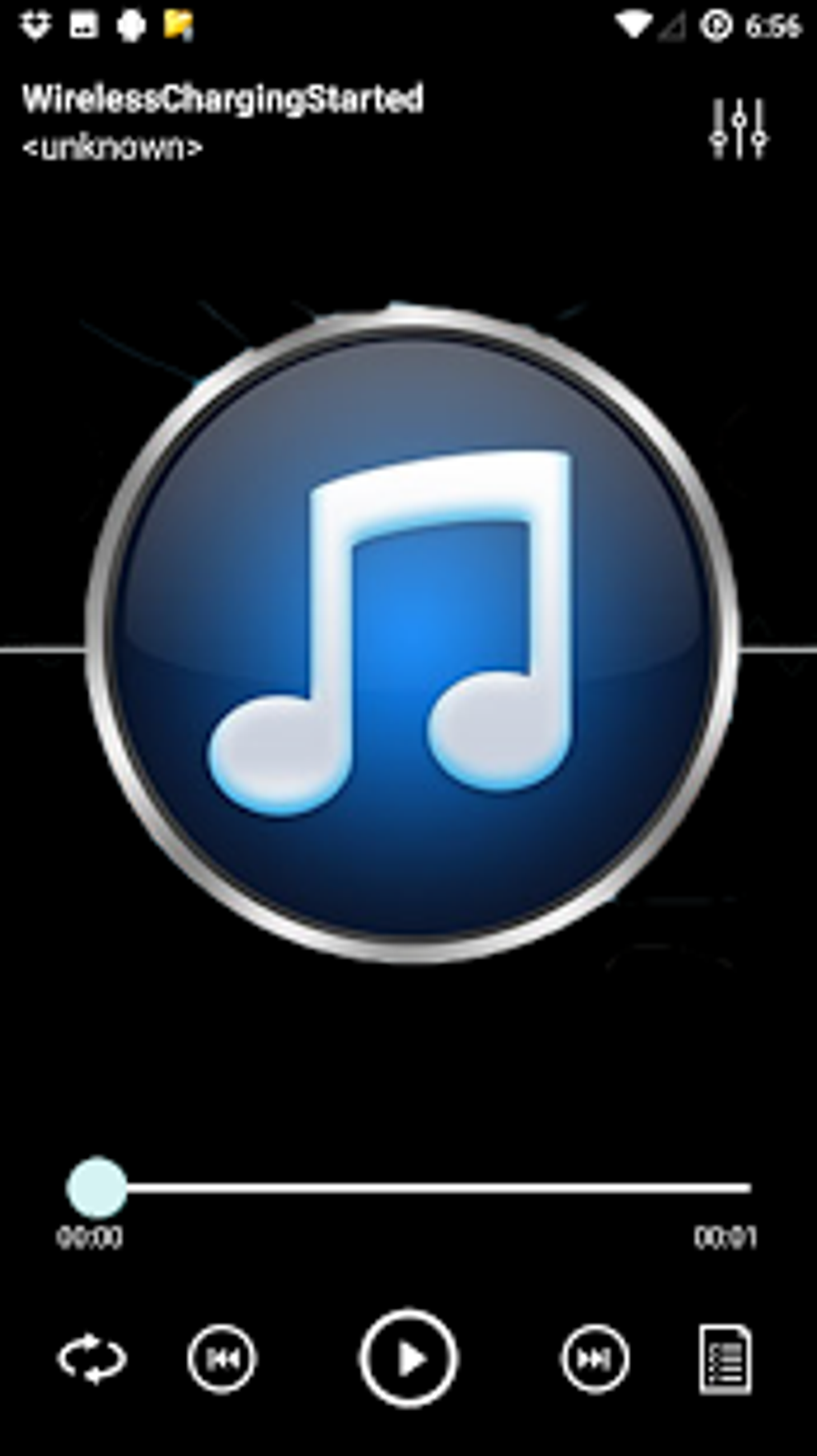
MP3 Music Player Free is a lightweight, no-cost audio application designed for Android devices. The software enables users to play music files stored locally on their smartphones or tablets. It serves as a straightforward solution for individuals seeking a simple and reliable way to access their personal music collections without the need for complex features or subscriptions. The app is particularly suited for casual listeners who prioritize ease of use and minimal resource consumption. It supports common audio formats, allowing users to play their favorite tracks without compatibility issues. The software was published on Softonic on February 16th, 2017, and has since been downloaded over 100,000 times, indicating a level of user interest and adoption. While the developer, Music Player MP3, is identified, no further background information is available. The app is intended for use on Android 4.3 or later, making it accessible to a broad range of devices, including older models. Real-world use cases include listening to music during commutes, workouts, or leisure time, with support for background playback and offline access. The interface is designed to be clean and intuitive, helping users quickly locate and play songs from their library.
Key Features & Capabilities
- Audio Format Support – The app supports most common audio formats, enabling playback of a wide variety of music files without requiring conversion.
- Music Library Management – Users can organize their music collection with a built-in library that allows browsing by artist, album, or song title.
- Playlist Creation – The software includes functionality to create and manage custom playlists for personalized listening experiences.
- Playback Controls – Features such as shuffle, repeat, and sleep timer enhance user flexibility during listening sessions.
- Equalizer Settings – Adjustable equalizer options allow users to fine-tune audio output for improved sound quality based on personal preference.
- Background Playback – Music continues to play while users switch to other apps or lock their device, supporting multitasking.
- Offline Listening – All music is played locally, meaning no internet connection is required once files are stored on the device.
- Visualizer – A built-in audio visualizer provides a dynamic display during playback, enhancing the listening experience.
These features collectively support a seamless and customizable audio experience. For example, users can create a workout playlist with shuffle enabled and set a sleep timer to stop playback after a specified duration. The visualizer adds a visual layer to music enjoyment, particularly during evening use. The app’s ability to function offline makes it ideal for travel or areas with limited connectivity. Since the software is free and reportedly ad-free, users benefit from a distraction-free interface. The current version is 1.0, and the app operates exclusively in English.
User Interface, Workflow & Performance
The user interface of MP3 Music Player Free is described as clean and minimal, with an emphasis on simplicity and intuitive navigation. The layout appears to prioritize core functions—playing music, browsing the library, and managing playback—reducing clutter and minimizing user learning time. Navigation is likely structured around a central playlist view with accessible tabs or menus for library, playlists, and settings. The workflow is designed to allow users to locate and play songs with minimal taps, making it efficient for daily use. While specific performance metrics are not provided, the app is categorized as lightweight, suggesting low memory and CPU usage. This characteristic makes it suitable for older or lower-end Android devices. The developer did not specify resource usage details, so actual performance may vary depending on device hardware and file size. Stability is implied through the app’s long-standing presence on Softonic, though no official reports on crashes or bugs are available. Background playback functionality indicates that the app maintains a stable connection to audio services during multitasking. Overall, the workflow appears optimized for speed and ease of access, aligning with its target audience of casual listeners who value simplicity over advanced features.
Compatibility & System Requirements
MP3 Music Player Free is designed to run on Android 4.3 or higher, ensuring compatibility with a wide range of devices released over the past decade. The software is available for download from Softonic and is distributed as a free application. The current version is 1.0, and the app is limited to English language support. The installation size is not specified in the provided information. The developer did not provide additional system requirements, such as minimum RAM, CPU specifications, or storage space needed beyond the presence of audio files. Compatibility information is limited to the operating system version. Users with devices running Android 4.3 or later should be able to install and use the app, though actual performance may depend on device capabilities and the size of the music library. No official claims about hardware acceleration or GPU usage were included.
Pros and Cons
Pros
- Free and ad-free experience for uninterrupted listening
- Lightweight design with minimal impact on device resources
- Supports common audio formats for broad compatibility
- Simple, clean interface ideal for beginners and casual users
- Offline playback and background operation available
- Includes useful features like sleep timer, shuffle, and equalizer
- Available for older Android devices (4.3+)
Cons
- No support for cloud music services or online streaming
- Language limited to English only
- No detailed system requirements provided
- Version 1.0 suggests limited updates or development activity
- Unsupported on newer Android versions beyond 4.3 unless compatibility is maintained
FAQ Section
Is MP3 Music Player Free safe to download?
The app is available through Softonic, a well-known platform for software downloads. While no specific security scans were mentioned, the app is reported to be free of ads and malware, based on user feedback and distribution practices.
Can I use this app on my older Android device?
Yes, the app is compatible with Android 4.3 or higher, making it suitable for older smartphones and tablets that may not support newer music applications.
Does the app require an internet connection?
No, MP3 Music Player Free operates entirely offline. Once music files are stored on the device, they can be played without an internet connection.
Is the software updated regularly?
The current version is 1.0, and there is no information provided about update frequency or future development plans. Users should expect limited or no updates.
Can I create playlists and customize playback settings?
Yes, the app allows users to create custom playlists, enable shuffle and repeat modes, and adjust equalizer settings to personalize the audio output.
Final Thoughts + CTA
MP3 Music Player Free presents a solid option for users seeking a straightforward, no-frills audio player for their Android device. Its lightweight nature, combined with essential playback features and offline functionality, makes it a reliable tool for casual listeners. The clean interface and lack of ads contribute to a distraction-free experience, ideal for those who value simplicity over advanced features. While the app has not been updated since its initial release in 2017 and remains on version 1.0, its core functionality remains effective for basic music playback. It is particularly well-suited for users with older devices or limited storage space. Despite the absence of modern features like cloud integration or streaming, the app delivers on its promise of being a simple, free, and efficient music player. For those who prioritize functionality and ease of use over innovation, MP3 Music Player Free remains a viable choice. Download MP3 Music Player Free now and enjoy your music without hassle.
Guides & Tutorials for MP3 Music Player Free
How to install MP3 Music Player Free
- Click the Preview / Download button above.
- Once redirected, accept the terms and click Install.
- Wait for the MP3 Music Player Free download to finish on your device.
How to use MP3 Music Player Free
This software is primarily used for its core features described above. Open the app after installation to explore its capabilities.
User Reviews for MP3 Music Player Free 0
No reviews found





